

How to Withdraw from Royal X Casino
Once you’ve built up some winnings on Royal X Casino, you can easily transfer them to your preferred payment method. The app supports Easypaisa, JazzCash, and USDT, giving players in Pakistan flexible options for quick cash-outs.
If you’re new to the platform, you may also want to check our How to Deposit on Royal X Casino guide so you know how to add funds before withdrawing.
Step 1: Open the Royal X Casino App
Log in to your account and make sure you have a withdrawable balance. You can see this amount on the top bar of the home screen.
Step 2: Go to the Withdrawal Section
Tap the Withdraw button at the bottom right corner of the home screen to open the withdrawal menu.

Step 3: Choose Your Payment Method
Select Easypaisa, JazzCash, or USDT — whichever works best for you.
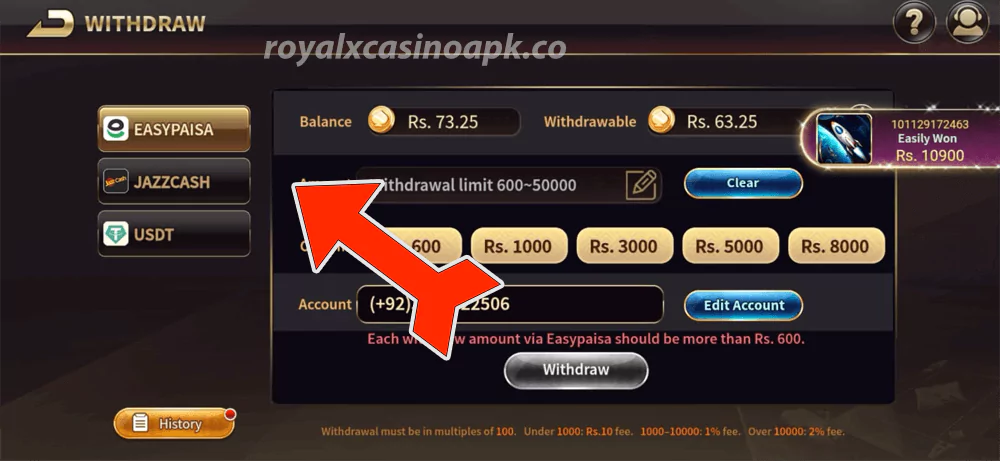
Step 4: Enter Withdrawal Amount
The app will show the minimum and maximum withdrawal limits (e.g., Rs. 600 – Rs. 50,000). Type in the amount you want to withdraw, making sure it meets the limit.
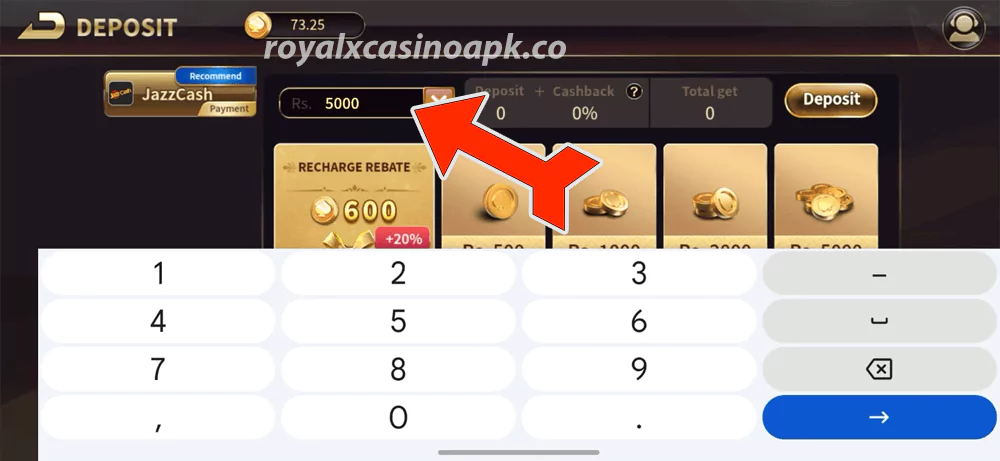
Step 5: Provide Account Details
Enter your mobile wallet number for Easypaisa or JazzCash. For USDT, enter your wallet address correctly to avoid any loss of funds.
Step 6: Submit the Request
Tap Withdraw to send your request. The system will process it, and you’ll usually receive the funds within minutes.
Tips for a Fast Withdrawal:
- Make sure your wallet details are correct.
- Withdraw in multiples of 100 to avoid errors.
- Check for any fees (e.g., Rs. 10 fee under Rs. 1000, 1% for Rs. 1000–10,000, 2% above Rs. 10,000).
Final Note
Royal X Casino makes it easy to enjoy your winnings. With fast processing and trusted payment channels, your money is never far away. Play smart, withdraw when you’re ahead, and enjoy the rewards of your gaming skills.
Related Posts
How to Deposit on Royal X Casino